
Blocksworld Game: Intuitive Mouse and Trackpad Controls
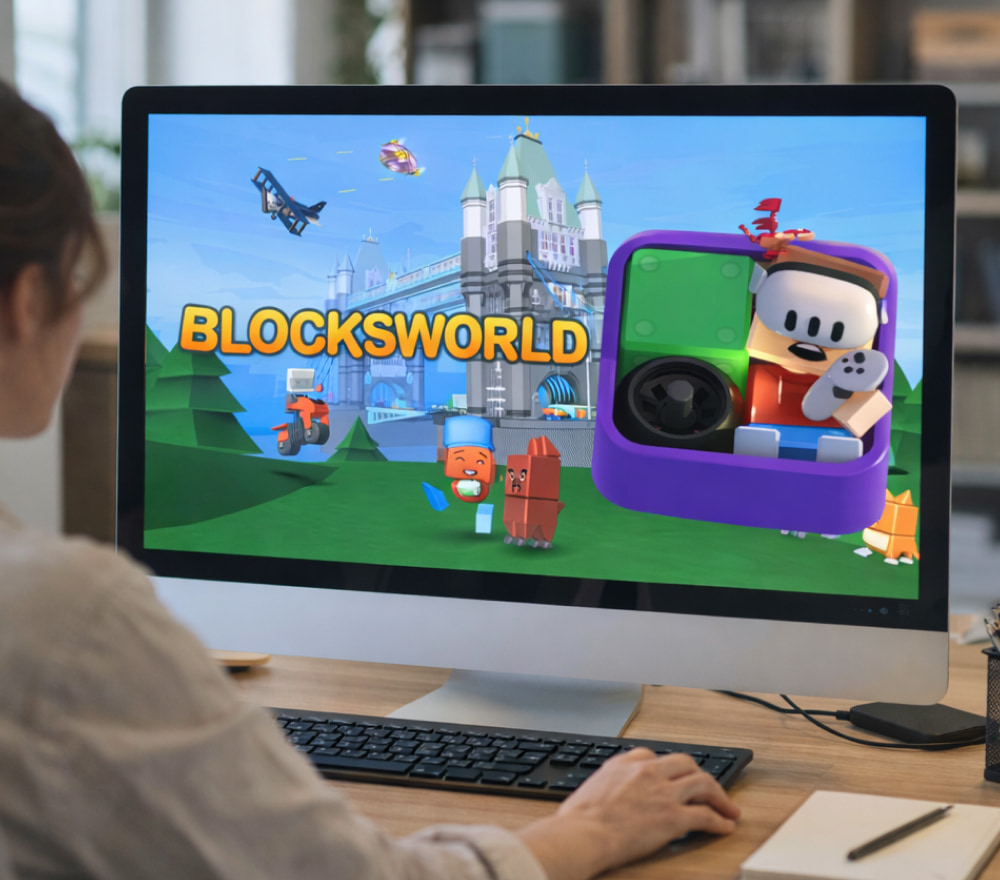
Get Blocksworld Game for Free
Download NowFans of creative sandboxes often discover that the Blocksworld game blends the feel of digital toy bricks with surprisingly powerful tools for logic and game design, making it appealing to kids, teens, and hobbyist creators alike. In this guide you’ll learn how the building system works, what platforms it has appeared on, and how to approach it as both a playful pastime and a lightweight introduction to programming concepts.
What Blocksworld Is All About
At its core, Blocksworld is a physics-based 3D sandbox where you snap together blocks to create vehicles, characters, environments, and fully playable mini-games. Using “action” pieces such as wheels, motors, rockets, hinges, and sensors, players can build everything from simple cars to complex machines with moving parts and interactive elements.
- Build with hundreds of shapes, colors, and decorative parts to give each model a unique personality.
- Use an intuitive visual scripting system to define behaviors like driving, jumping, or reacting to player input.
- Share your creations with a community, browse other players’ worlds, and remix ideas you find inspiring.
Because the building tools are drag-and-drop and the programming system uses simple logic blocks instead of typed code, many players treat it as a gentle introduction to 3D modeling and game design concepts.
Finding Reliable Sources for Installation
Before starting your first rocket or racing track, most newcomers search for Blocksworld game download pages that are safe, up-to-date, and clearly explain where the project currently stands. Official storefronts and the developer’s site are usually the best starting points, especially because the title has gone through periods of being removed from major platforms while a relaunch is in development.
- Check the current status of the project on the official website or publisher announcements.
- Confirm which platforms are actively supported and whether servers or online features are available in your region.
- Avoid unofficial installers that bundle extra software or obscure where files come from.
- Review community forums or recent news to see how players are currently accessing or reviving the experience.
Because availability has changed over the years, it’s wise to double-check any store listing you find and make sure it matches the developer and publisher information you see in trusted sources.
How Building and Gameplay Fit Together
Once you’re in the editor, every creation starts with a handful of basic blocks that can be resized, recolored, and combined into larger structures. Adding wheels, hinges, thrusters, or logic sensors turns a static model into something you can drive, fly, or interact with, and testing each iteration teaches you how physics and scripting combine to form a playable toy.
- Experiment with simple vehicles first, then gradually layer on more moving parts.
- Use visual logic blocks to handle input, scoring, health, and win or lose conditions.
- Iterate often: test your model, note what breaks, and strengthen joints or adjust power values.
Over time, many players progress from simple contraptions to full mini-games that feature progression, challenges, and even basic storylines built entirely out of blocks and scripted triggers.
Playing in a Desktop Environment
If you prefer mouse and keyboard controls, the flexibility of a Blocksworld PC game environment helps when you’re handling detailed builds, large scenes, or more advanced logic setups in the editor. Desktop versions typically benefit from higher resolutions, more comfortable camera control, and easier access to community content through integrated browsers or external websites.
- Use zoom and multiple camera angles to inspect joints and moving parts from every side.
- Keep complex scripts organized by grouping related logic blocks and labeling key sections.
- Test performance with many active components so you can optimize heavy creations early.
For builders who enjoy long sessions of tweaking and fine-tuning, a desktop setup can make the difference between frustration and flow while you iterate on ambitious creations.
Access Options and Cost Considerations
Many young players and parents naturally wonder whether a Blocksworld for free game option is available, especially since the title has historically experimented with freemium models, in-app purchases, and different monetization strategies across platforms.
In the past, some versions offered basic content at no cost while selling extra sets, themed packs, or cosmetic items to expand what you could build. Community-run revival projects and fan servers sometimes explore alternative approaches, but it’s important to verify that any service you use respects copyright and player safety.
Parents often look for a Blocksworld game for free experience so their kids can experiment with building tools before deciding whether to invest in additional content or premium sets.
Whether you’re a parent, teacher, or player yourself, it helps to set expectations: treat any free access you find as a way to explore the core building and logic systems, and then decide together whether further purchases or deeper involvement in the community make sense.
Creator Tips: From First Build to Showcase-Ready World
For many players, the real joy comes from turning a rough idea into something polished enough to show friends, classmates, or an online audience. Taking a methodical approach makes this process smoother, even if you’re new to 3D building or logic systems.
- Start with a simple goal. “Make a car that drives well” or “build a small puzzle level” is easier to finish than a massive open world.
- Prototype fast. Use minimal decoration until movement, controls, and basic objectives feel good.
- Polish later. Once everything works reliably, add details, colors, props, and visual effects.
- Playtest with others. Ask friends to try your world without instructions and watch where they get confused.
By approaching each new world as a series of small, testable steps, you’ll gain confidence and avoid the frustration of repeatedly rebuilding everything from scratch.
Practical Uses in Learning and Teaching
Because the building interface feels like playing with virtual blocks, educators sometimes use Blocksworld-style environments to introduce students to logical thinking, problem solving, and basic programming structures without requiring them to write code. :contentReference[oaicite:13]{index=13}
Teachers and parents can:
- Assign small design challenges, such as building a bridge that supports a vehicle or creating a simple obstacle course.
- Encourage students to explain their logic, turning each creation into a mini design-review exercise.
- Highlight cause-and-effect by asking learners to predict what will happen before pressing the play button.
These activities help learners connect visual building with abstract ideas like conditionals, loops, and event triggers that appear later in formal programming courses.
Comparison of Play Styles and Focus Areas
| Player type | Main interest | Suggested focus |
|---|---|---|
| Creative builder | Designing impressive structures and scenes | Experiment with decorative blocks, color palettes, and scenery composition. |
| Engineer | Making vehicles, machines, or contraptions | Combine motors, wheels, and sensors and fine-tune physics settings. |
| Game designer | Creating challenges, puzzles, and minigames | Focus on scoring, health systems, and level progression using visual logic. |
| Newcomer | Learning the basics safely | Rely on official guidance when you decide to download Blocksworld game resources or installers so you avoid unstable or unsafe builds. |
Staying Informed About Future Updates
Blocksworld has gone through several development phases, including shutdowns and plans for revival by new owners, so keeping an eye on official announcements and trusted community hubs is essential if you want the latest information on releases or compatibility.
Following the developer’s news feeds, community wikis, and active fan projects will help you track when new versions, platforms, or tools become available, and those same sources often share tutorials and building challenges that can spark your next big idea.
With a careful approach to installation, a bit of patience in learning the building tools, and consistent playtesting, you can get long-lasting enjoyment from a platform that turns simple digital blocks into elaborate interactive worlds.